
Overview
Catering quotes and orders are often created weeks or even months before the event date. If you update your pricing after an order has been created, CaterZen allows you to decide how that price change should affect existing orders.
You can choose to keep the original prices that were quoted to the Customer or automatically update the order to your current menu pricing when it is opened for editing. This setting helps you honor previously quoted pricing while still keeping your menu prices current for new orders.
This account-wide setting applies whenever a previously created order is edited.
Interactive Guide
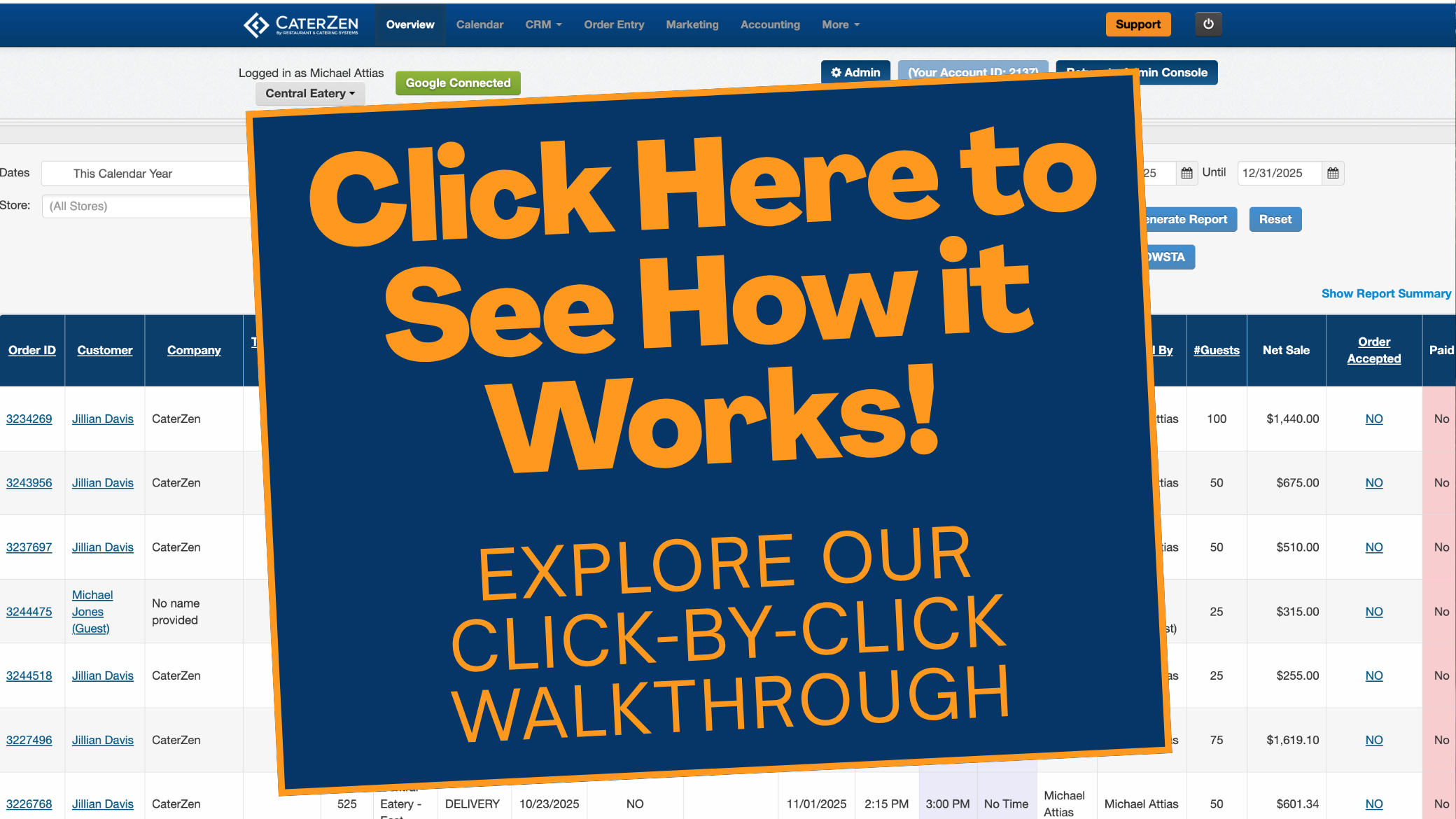
Follow the written instructions below, or click through this interactive guide for a visual walkthrough.
Choose How Existing Orders Are Priced
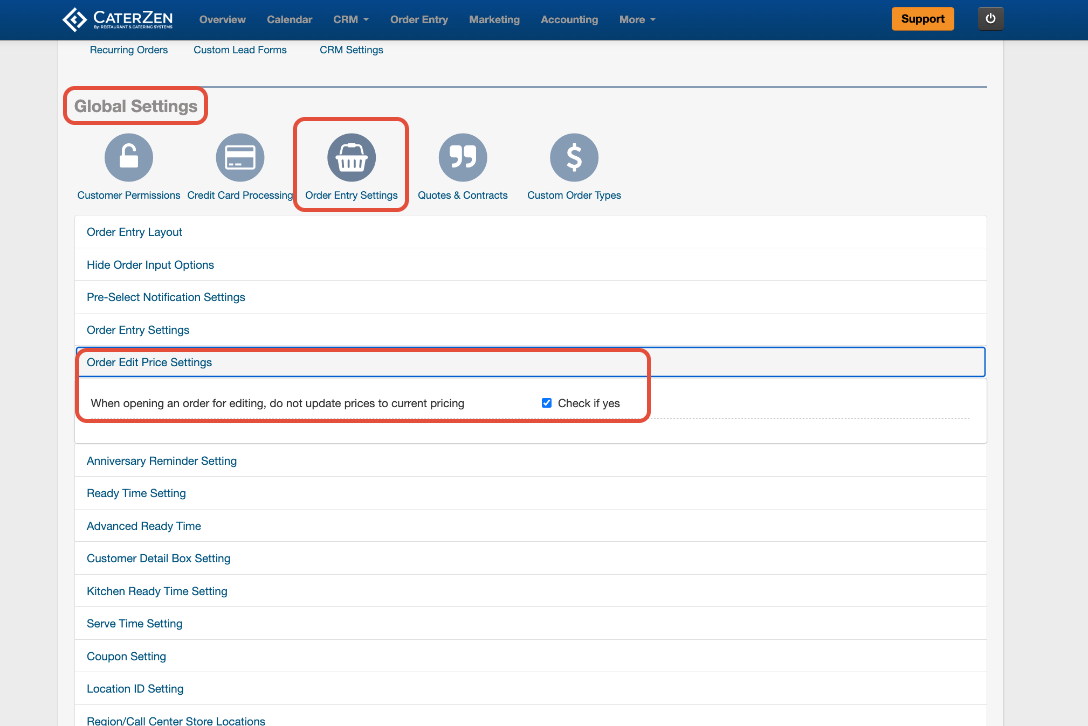
- Click the Admin tab.
- Under Global Settings, click Order Entry Settings.
- Click Order Edit Price Settings.
- Locate the following setting:
When Opening an Order for Editing, Do Not Update Prices to Current Pricing - Choose how you want CaterZen to handle previously created orders:
- Check the box to keep the original prices saved on existing orders.
- Leave the box unchecked to update existing orders to your current menu pricing when they are opened for editing.
Price Difference Warning
When the setting is enabled, CaterZen displays a warning if the price saved on the order is different from the item’s current menu price.
The warning shows:
- The price currently saved on the order
- The item’s current menu price
This allows you to see that the pricing has changed without automatically replacing the Customer’s original price.

Support
For additional help, refer to the CaterZen Support Center or contact our CaterZen Support Team.
Not a CaterZen Customer yet? Discover how our catering software can streamline your business — click here to learn more!